Ask Staff a Question Thread

I have all of it set in my calendar and I check regularly but somehow the day comes and I forgot. I'm not quotng because when i do it puts large spaces between things or if I'm not fast enough it puts what I'm writing in the quoted post I quoted. And I can't seem to change how the forum looks, before it looked different and didn't have this issue.
 
I have all of it set in my calendar and I check regularly but somehow the day comes and I forgot. I'm not quotng because when i do it puts large spaces between things or if I'm not fast enough it puts what I'm writing in the quoted post I quoted. And I can't seem to change how the forum looks, before it looked different and didn't have this issue.
Take a ss of how it looks now.

The quoting feature is wild now but you'll get use to it


And no matter what I do it starts typing in the quoted post. If I move my cursor out it puts it back with a large space now. 
 

Attachments

  • Screenshot_20230219_155415_Samsung Internet.jpg
    Screenshot_20230219_155415_Samsung Internet.jpg
    185.9 KB · Views: 13
this is what happens,

If I quote someone and backspace too far. The cursor will go into the quote. It could happen every time but I try to make sure I don’t backspace too far. But to get out of the quote I just hit enter.
 
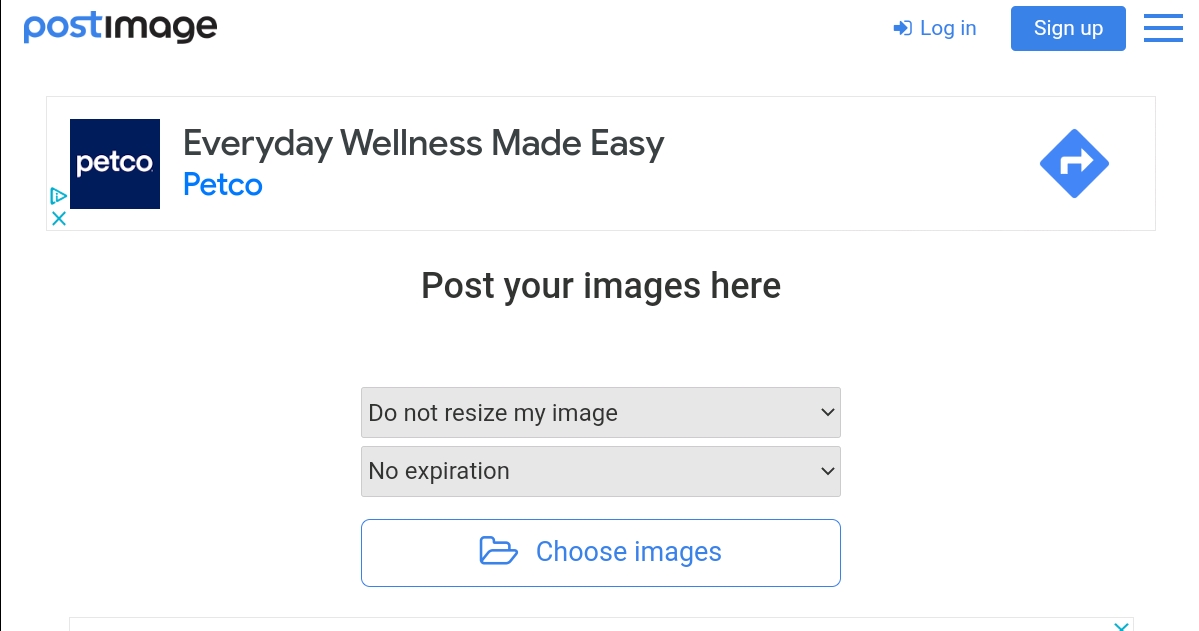
For those that can't upload pics due to the sites photo uploader being down temporarily here's an alternative:


Step 1 - Choose an image from your device

Screenshot-2023-02-27-07-58-48-148.jpg


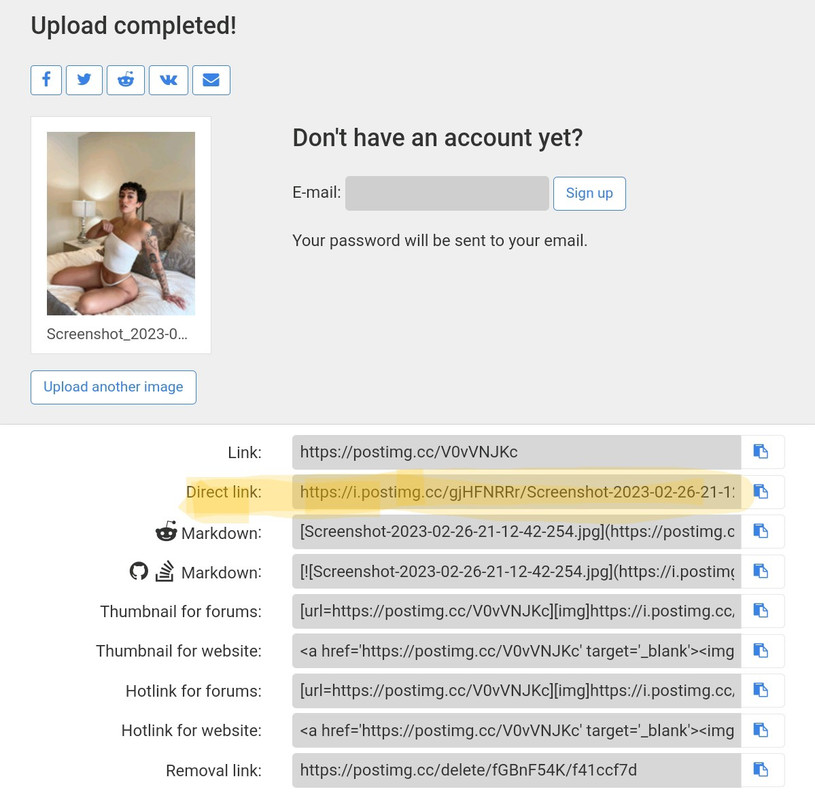
Step 2 - Click on the copy tab (at the end of the highlighted section) second option in the links section.

Screenshot-2023-02-27-07-59-31-020-2.jpg


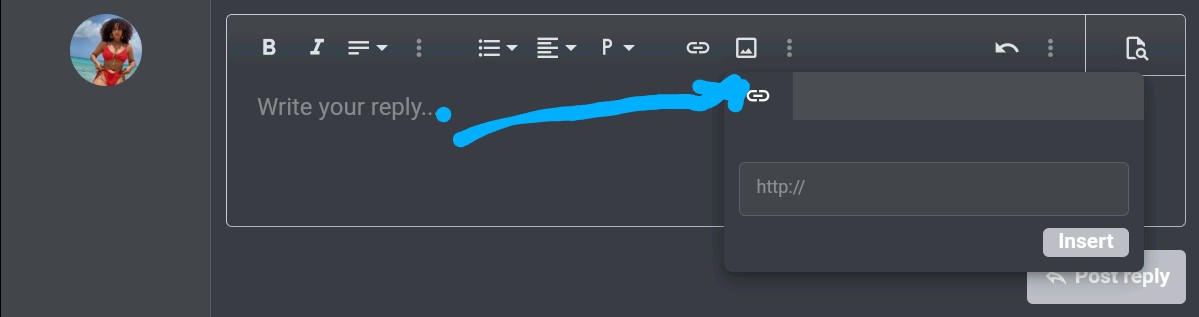
Step 3 - Take the copied link and look for the pic icon in the task bar section on here then paste the link to in the 'http:' section.

Screenshot-2023-02-27-14-04-39-355-2.jpg
 
Last edited:
Back
Top